

How to start a faceless YouTube channel with AI
Start a faceless YouTube channel with AI: choose a niche, set up the channel, make Shorts with AI, post daily and read the numbers that matter.
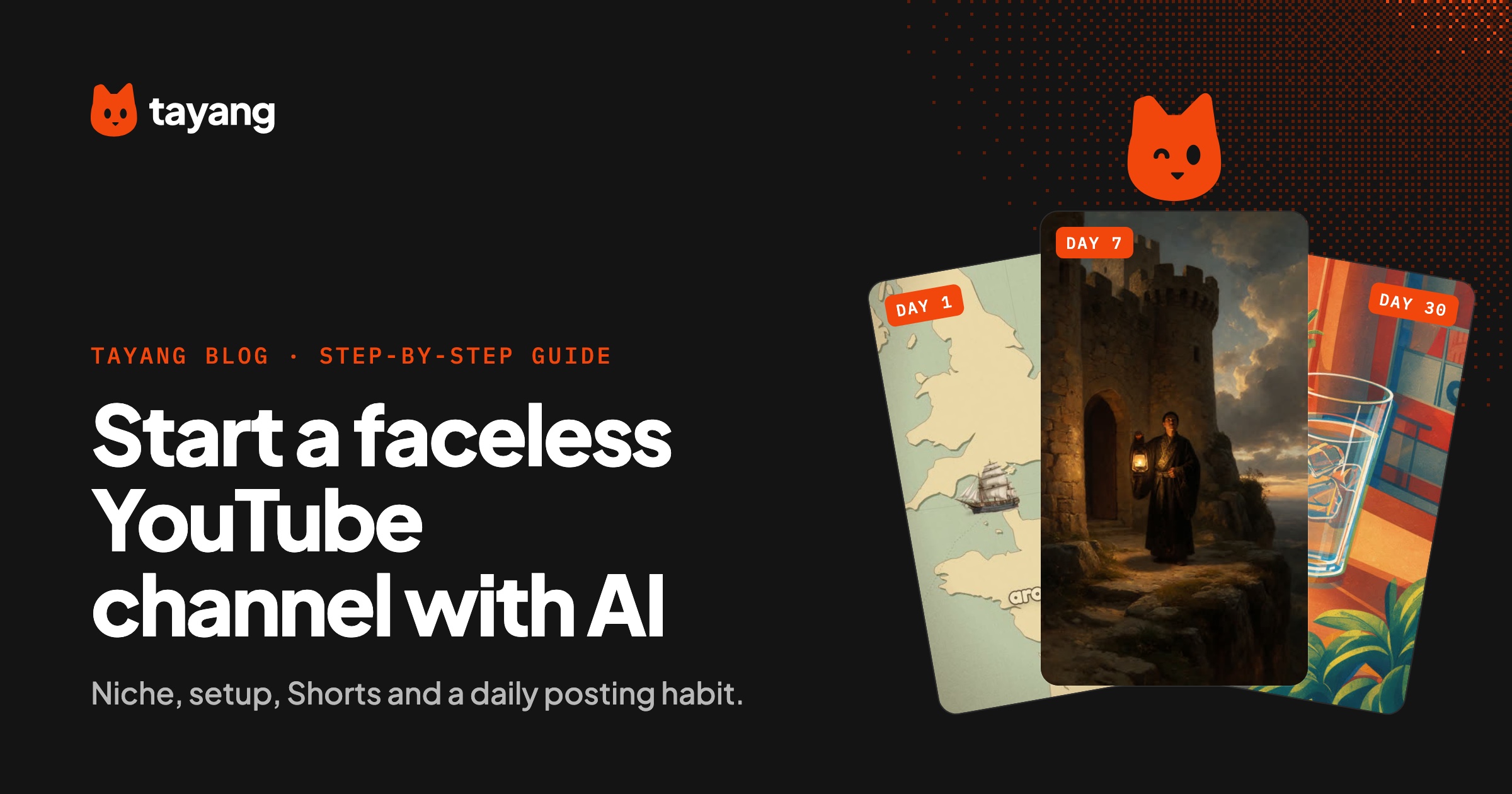
To start a faceless YouTube channel with AI, choose one niche that works without a presenter, create a channel with a name and look that match it, then post AI-made Shorts (vertical, 30–60 seconds, with a narrated story, illustrations and word-by-word captions) every day for at least a month before judging results. Shorts are the easiest way in: they're quick to make with AI, YouTube shows them to people who don't subscribe yet, and the same video can also go to TikTok, Instagram Reels and Facebook Reels.
This guide covers setting up the channel and running it. For the video-making steps in detail, see how to make faceless AI videos.
Step 1: choose one niche
The niche decides everything else: the name, the art style, the voice and who watches. Good faceless niches have endless topics, a built-in hook and strong visuals that can be drawn from narration alone.
A few that fit Shorts well:
- Scary stories: short horror with a twist.
- History: strange true events in under a minute.
- Everyday science: "why does this happen?" answered in one short.
Before you commit, write down 30 video ideas. If you run dry at ten, pick a broader niche. For a ready-made list in one niche, see scary story video ideas.
Step 2: set up the channel
You need a Google account to create a YouTube channel. A few setup choices are worth getting right on day one:
Name and handle
- Make the topic obvious: viewers should guess the niche from the name.
- Keep it short and easy to say out loud.
- Check that the same name is free on TikTok, Instagram and Facebook so the channel looks the same everywhere.
Profile picture and banner
- Use a simple symbol or character, not a photo of yourself. It shows up tiny next to every Short, so it has to read at small sizes.
- Match the colors and art style of your videos.
Description
Two or three sentences: what the channel posts and how often. For example: "A new true horror story every day, under 60 seconds. Lights off, sound on."
Settings to check
- Fill in the channel's country and language so YouTube knows who to show your videos to.
- In YouTube Studio, look at the setting for disclosing altered or synthetic content. YouTube asks creators to disclose realistic AI-generated content. Read the current guidance and follow it, especially if your visuals are photorealistic.
Step 3: decide your format
Consistency makes a channel recognizable. Decide once and stick to it:
- Length: 30–60 seconds.
- Art style: one look for every video.
- Voice: one narrator voice for the whole channel.
- Captions: word-by-word, large, centered, clear of the buttons.
- Structure: hook, setup, escalation, payoff. Same shape every time.
Step 4: make your first videos with AI
The pipeline is the same whatever tools you use:
- Script a 30–60 second narration with a hook in the first line.
- Generate one image per beat of the story, in your channel's style.
- Add an AI voiceover, then word-by-word captions.
- Put quiet music under the voice.
- Export at 1080x1920.
You can do this with separate tools, or let one tool do the whole thing. Our faceless AI video generator guide explains what to look for.
Make five to ten videos before you post the first one. A buffer means a busy day doesn't break your streak.
Step 5: post every day
Daily posting gives YouTube enough videos to learn who your audience is, and it gives you enough data to see what works. Practical tips:
- Same time each day. It makes the habit easier for you. It doesn't need to be a perfect time.
- Title the Short like a hook. "The war Australia lost to birds" beats "Emu War history #shorts".
- Post the same video to TikTok, Instagram Reels and Facebook Reels. You'll learn which platform suits your niche.
- Reply to early comments. They often hand you your next video idea.
This is the step where most channels stop. Making one video is fun; making the thirtieth is a chore. Tayang is built for this part: you pick a niche once, and it writes, illustrates, narrates (in 27 languages, with word-by-word captions and music) and posts a new 1080x1920 short to YouTube Shorts, TikTok, Instagram Reels and Facebook Reels every day. You can approve each video first or let it post on its own.
Step 6: read the numbers that matter
YouTube Studio shows analytics for every Short. Early on, ignore subscriber count and look at:
- How many people swiped away vs. kept watching. If most people leave in the first second or two, fix the hook and the first image.
- Average percentage viewed. Low numbers mean the middle drags. Cut the setup.
- Which topics outperform. Make more like those. Most of your growth will come from finding what your audience likes, not from one viral video.
Give a niche a real chance (weeks of daily posts) before you change it. Early videos often get few views while YouTube works out who to show them to.
Step 7: think about monetization later
Faceless channels can earn through YouTube's Partner Program, sponsorships, or sending viewers to your own product. The Partner Program has eligibility requirements and content policies, including rules about reused and repetitive content, and YouTube updates them. Check the current requirements in YouTube's help center rather than relying on numbers you see quoted online.
What protects you either way is making each video genuinely different: its own story, script and visuals, not the same template with a few words swapped.
Common mistakes
- Starting three niches at once. Pick one. You can start a second channel later.
- Perfecting the banner instead of posting. The first 30 videos teach you more than any setup.
- Copying another channel's stories word for word. Write your own version.
- Stopping after two weeks. Most faceless channels need longer than that to find their audience.
Your first week
- Day 1: pick the niche and write 30 ideas.
- Day 2: create the channel, name, handle, picture and banner.
- Days 3–4: make your first five to ten Shorts.
- Day 5 onwards: post one a day, and check the analytics once a week, not once an hour.